1 · Your garment photos
Add up to 4. Front, back and a detail give the truest fit.
2 · What you’re shooting
Sets the framing. The AI recognises the actual piece from your photos.
3 · Model
4 · Pose
Every set is delivered as 4 framings: close-up, standard, wide and side.
Scene
Orientation
AI fashion photography
On a model you control
Show your clothing, footwear, bags, eyewear and jewelry worn on a virtual model — any gender, body type and skin tone. An AI fashion model generator for ecommerce brands: your garment, on the right model, ready to sell. No casting, no studio, no shoot day.
← Start with a garment photo in the panel on the left.
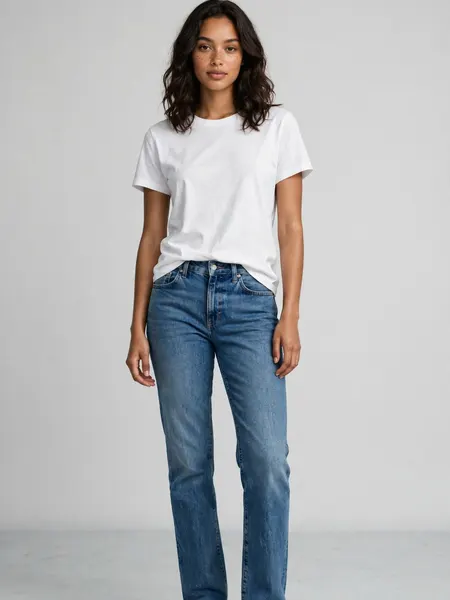
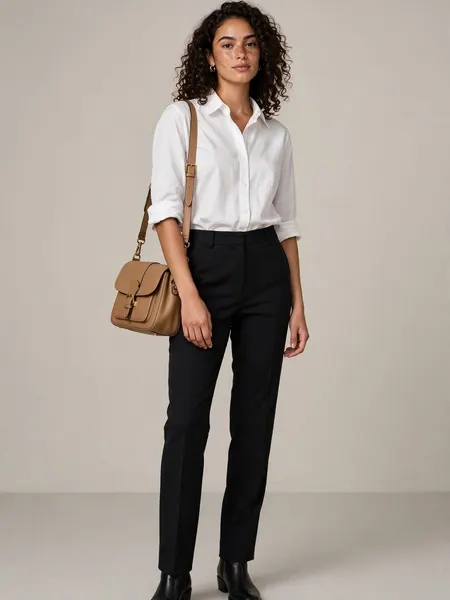
See what you can make
One garment, a full set of on-model looks. These are real examples, one per type.
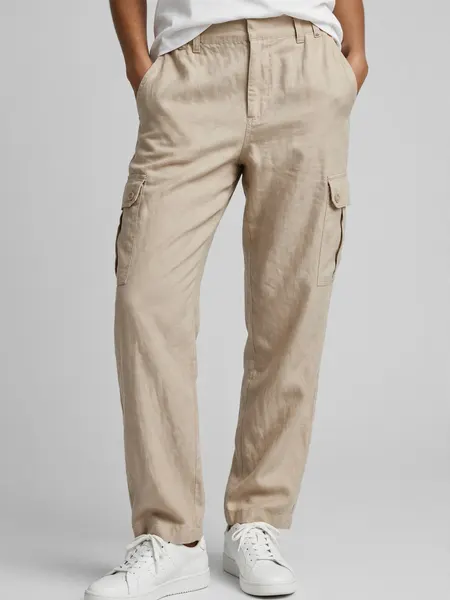
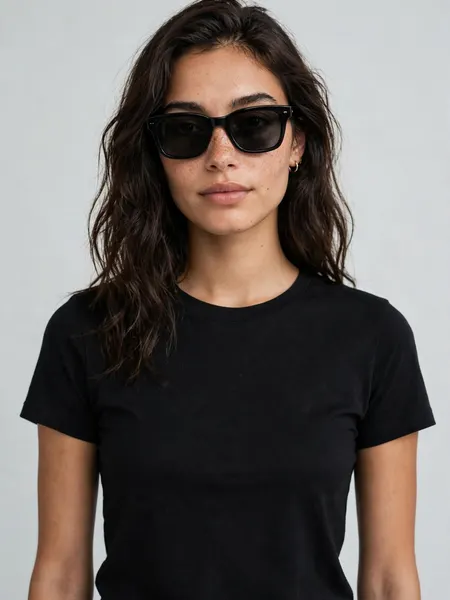
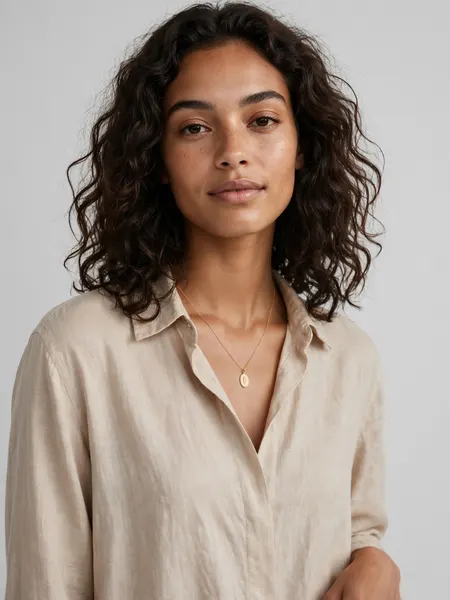
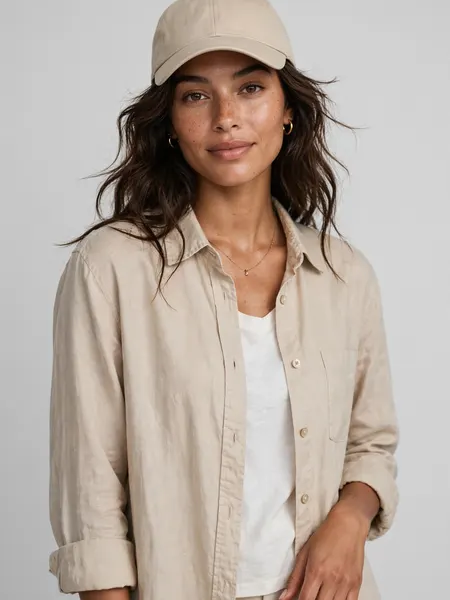
Everything a fashion listing needs
How it works
- 1Add your garment photos
Front, back and a detail give the truest fit.
- 2Choose your model and pose
Gender, age, body, skin tone, hair — then a pose and a scene.
- 3Generate a set
10 credits for 4 on-model shots, ready to download.
Made for people who sell fashion
Fashion photography questions, answered
- What is Fashion Studio?
- Fashion Studio is an AI fashion photography tool that shows your garment worn on a model you control — no model casting, no studio, no shoot day. Upload garment photos, choose a model and a pose, and generate a set.
- How does the AI fashion model generator work?
- Upload photos of your garment (front, back and a detail help most), pick the model — gender, ethnicity, age, body type, skin tone and hair — then a pose and a scene, and generate a set. Your garment’s design, colors and pattern are kept; the AI dresses the model in it.
- Can I control the model’s look?
- Yes. Diversity is built in: choose gender, ethnicity, age, body type from slim to plus-size, skin tone and hair, so the model reflects your customer. Leave any choice on “Any” to let it vary across the set.
- What poses, scenes and shots can I get?
- Choose a pose — standing, walking, running, sitting, leaning or hands in pockets — and a scene from a library of 29: studio backdrops, city streets, cafés and lofts, parks and beaches, a runway, even neon at night. Every set is then delivered in four framings: a close-up, a standard shot, a wide shot and a side angle, so one generate fills a product page or a lookbook.
- Can I use the fashion photos commercially?
- Yes. The on-model shots you generate are yours to use in your store, lookbooks, ads and social — on Shopify, Amazon, Etsy, Instagram and anywhere else you sell.
- How many photos do I need, and what does a set cost?
- One clear garment photo works, but a few angles give the truest result. A set is 4 shots for 10 credits, and every image lands in your library to download.
Your garment, on the right model.
Add a garment on the left, choose a model and a pose, and the on-model set appears here.