1 · Your product photos
Add up to 4. A few angles — front, back, a detail — give the best likeness.
2 · Product type
3 · Shot
Pick a product type to see its shots.
4 · Scene
All four shots in the set land in the same scene. Previews show the style, not the exact photo.
5 · How it’s used optional
Orientation
AI product photography
Commercial product photos, without the studio
Turn your own product photos into professional shots — packshots, flat lays, in-hand, in-use, even a model holding it — in the scene you choose, from seamless studio to marble counter to poolside. A real AI product photo generator for ecommerce sellers and brands: your product, every angle, ready to sell.
← Start with a photo in the panel on the left.
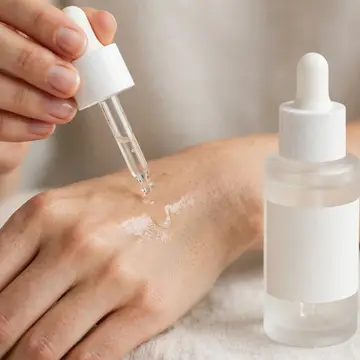
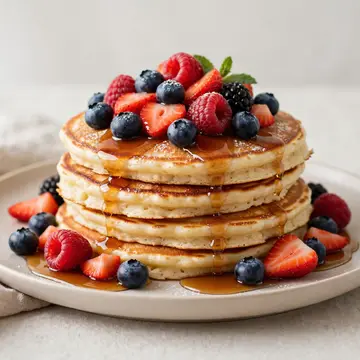
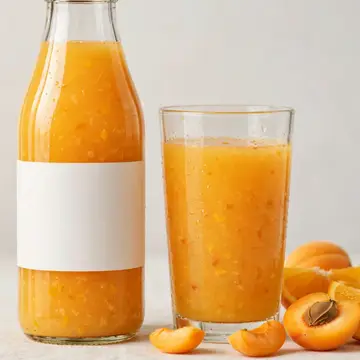
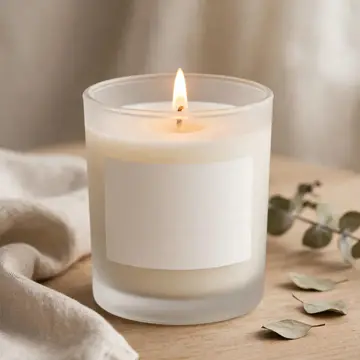
See what you can make
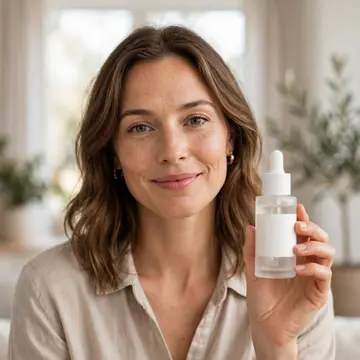
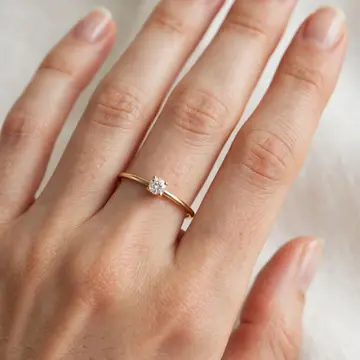
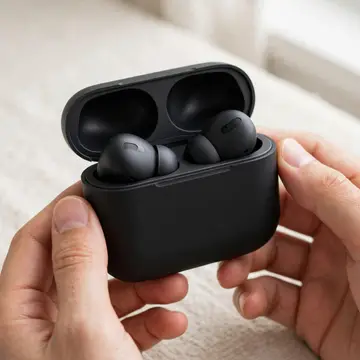
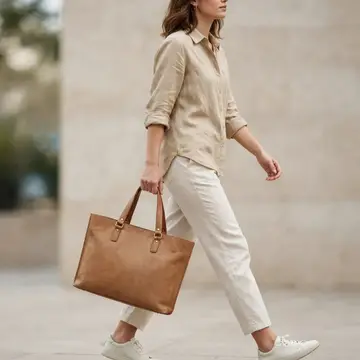
One product, a full set of commercial looks. These are real examples, one per product type.
Everything your storefront needs
How it works
- 1Add your product photos
A phone snap works. A few angles give the best likeness.
- 2Pick a shot and a scene
Choose your product type, a shot — packshot, flat lay, in-hand, in-use — and the scene to place it in.
- 3Generate a set
10 credits for 4 shots, ready to download.
Made for people who sell
Product photography questions, answered
- What is Product Studio?
- Product Studio is an AI product photography tool that turns your own product photos into commercial shots — packshots, flat lays, in-hand and in-use — in any of more than thirty scenes, without a studio, a photographer or a shoot day.
- How does the AI product photo generator work?
- Upload a few photos of your product (a couple of angles help), pick your product type, the shot you want and a scene, choose an orientation — vertical, square or landscape — then generate a set. Your product’s real shape, colors and label are kept; the AI only builds the scene around it.
- Can I choose the background or setting?
- Yes. Pick a scene from a library of 33 — seamless studio backdrops, kitchen counters, marble vanities, outdoor settings, desks and shelves, seasonal looks and bold colors — and every shot in the set is placed in it. Leave it on Auto and the AI picks a clean setting that suits the product.
- Can you show a person holding or using my product?
- Yes. Pick In hand for a close-up or Half body for a zoomed-out, waist-up shot of a model holding your product — plus in-use looks like Applying, Pouring or Worn for the right product type.
- Can I use the product photos commercially?
- Yes. The shots you generate are yours to use in your store, listings, ads and social posts — on Shopify, Amazon, Etsy, Instagram and anywhere else you sell.
- What products work best?
- Physical products with a clear shape: bottles and jars, beauty and cosmetics, food and beverage, tech and gadgets, jewelry and watches, bags, and homeware. Each type has its own shots — Pouring for bottles, Worn for jewelry, Plated for food.
- How many photos do I need, and what does a set cost?
- One photo is enough, but a few angles give the best likeness. A set is 4 shots for 10 credits, and every image lands in your library to download.
Your product, ready to sell.
One click from the panel on the left — add a photo, pick a type and a shot, and the set appears here.