Start editing

JPG, PNG, WebP, GIF or BMP. Nothing is uploaded until you save.

Nothing to edit yet?
Find a stock photo300 million photos and vectorsCreate one with AIDescribe it, 1 credit an image

It lands in your library, then Choose from library opens it here.

Free · No install · No watermark

Edit any image, right in your browser.

Crop, retouch, add text, remove the background and upscale — free and unlimited, with nothing to download. Bring your own photo or open one from your library, and when words are faster than tools, describe the change and let AI do it for a cent.

Works on Windows, Mac, Linux and ChromeOS. No account needed to start.
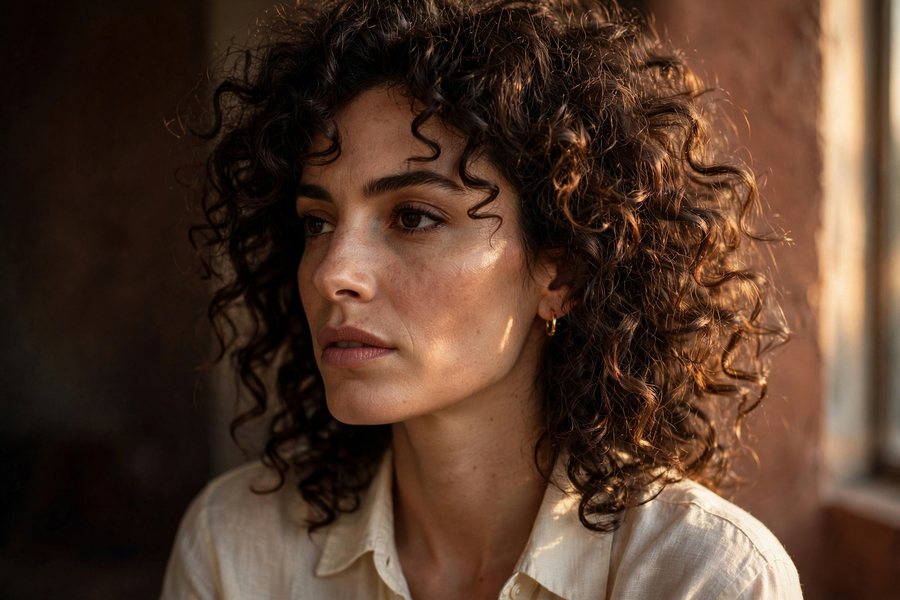
An editorial portrait lit by warm window light

A look inside the editor

Layers, curves, selections and local AI — the panels you would open in a desktop app, on a page that loads in a second.

Real layers, not a flattened photoEvery photo, shape and line of text stays its own object with opacity, blend mode, shadow and a frame — and it is all still editable when you come back tomorrow.
Curves and levels, not three slidersPer-channel curves over a live histogram, plus exposure, highlights, shadows, clarity and grain. One-tap Auto Enhance when you would rather not.
AI that runs on your own machineBackground removal, 2× upscaling, magic eraser and portrait blur download a small model once, then work offline. Your picture is never uploaded.
Select by color, or draw around itMagic wand with tolerance, lasso, add and subtract, feathered edges. Then delete the area, lift it onto its own layer, or adjust only what you picked.
Click a photo, get its toolbarAdjust, filter, remove the background, flip, fade, duplicate or delete — the row above the canvas changes to whatever you just picked.
110 looks, previewed on your photoBlack and white, film stocks, cinematic grades and duotones — each thumbnail rendered from the picture you opened, so you pick with your eyes.

Everything you need, none of the download

A full photo editor that opens as fast as a web page. These tools are free, forever, with no watermark on what you export.

Resize for every platformOne click exports your design for Instagram, Facebook, X, LinkedIn, Pinterest, YouTube, TikTok and A4, in a single zip.Transparent PNGRemove the background and save a see-through PNG for logos, product shots and slides.
Open and save any formatOpen JPG, PNG, WebP, GIF or BMP. Save as PNG, JPEG, WebP or PDF, or copy to the clipboard.
Crop & resizeFreeform or locked to a ratio, at the exact pixel size you need.
Remove backgroundCut the subject out cleanly and drop in a color or a new scene.
Magic eraserBrush over anything you don't want and watch it fill itself in.
Upscale 2×Enlarge a small image without it turning to mush.
Adjust & filterExposure, contrast, warmth, saturation, plus one-tap looks.
Text & annotateHeadlines, captions, arrows, shapes and callouts in any font.
Autosaved draftsClose the tab and pick up where you left off, with every layer still editable.
Stickers & shapesBadges, arrows and graphics you can scale, rotate and recolor.
Edit by promptDescribe the change in words and let AI make it. 1 credit a go.

What people make here

The same three jobs, over and over — so the editor is built around them.

Social posts

Social posts

Crop to square or story, add a headline in a font that fits, then drop the brightness to make the text read. Export at the exact size each network wants.
Product listings

Product listings

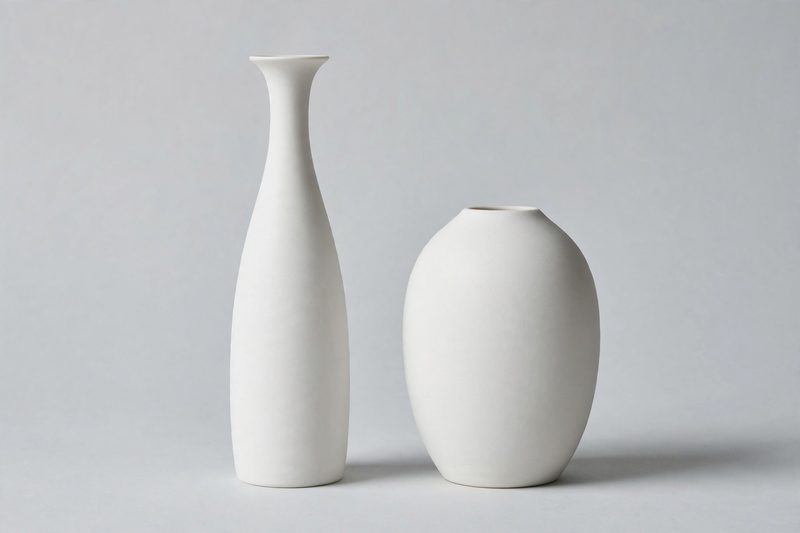
Cut the background out in one click, straighten the shot, and put every product on the same clean backdrop so your storefront finally looks like one shop.

Headers & banners

Headers & banners

Take a tall photo and make it wide. Extend the edges, keep the subject where you want it, and leave room for the words that go on top.

How it works

  1. 1
    Open an image

    Drop in a file from your device, or pick one from your StockUnlimited library. Nothing uploads until you save.

  2. 2
    Make your changes

    Every tool runs in your browser, so it's instant and it's free. Your work saves itself as you go.

  3. 3
    Save it where you need it

    Save to your library to come back to it later, or save to your device to get the finished file.

What it costs

FreeEvery manual tool

Crop, resize, text, filters, background removal, eraser, upscale. Unlimited, no watermark.

Per AI edit

Describe a change in words and the model repaints it. 1 credit each — new members start with 200.

10¢Per image

Need something to edit? A stock photo is 10 credits, an AI image 1. See pricing

Questions people ask

Is the image editor really free?
Yes. Cropping, resizing for every social platform, text, filters, background removal, the eraser and upscaling are all free and unlimited, with no watermark on what you export. Only AI edits that generate new pixels from a prompt cost credits — 1 credit, a single cent, each.
Do I need an account?
No. You can upload an image and start editing straight away. An account only matters if you want to pull images out of your library or save finished work back into it.
Do I have to install anything?
No. The editor runs entirely in your browser on Windows, Mac, Linux and ChromeOS. There is no download, no plugin and no sign-up wall.
Are my images uploaded to your servers?
Only if you ask. Editing happens on your own machine and unfinished work is kept in your browser. An image leaves your device when you save it to your library, or when you run an AI edit — which has to be processed on the server.
What file types can I edit?
You can open JPG, PNG, WebP, GIF and BMP files. Save as PNG, JPEG or WebP at the quality and size you choose, save as a PDF, or copy the image straight to your clipboard.
Can I save an image with a transparent background?
Yes. Remove the background, then save as PNG and everything around your subject stays see-through. Transparency is kept when you save to your StockUnlimited library too.
Can I resize one image for all my social media at once?
Yes. From the save options, pick the sizes you need, such as an Instagram post, story or Reel, a Facebook or LinkedIn post, a Pinterest pin, a YouTube thumbnail or A4, and download them together as a zip. Each size is framed to keep your subject and any text in view.
Can I use the edited images commercially?
Images you own stay yours. StockUnlimited downloads keep their standard royalty-free license after editing, and images you generate are yours to use commercially.